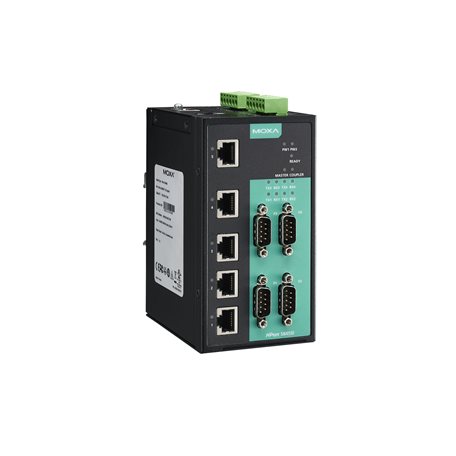
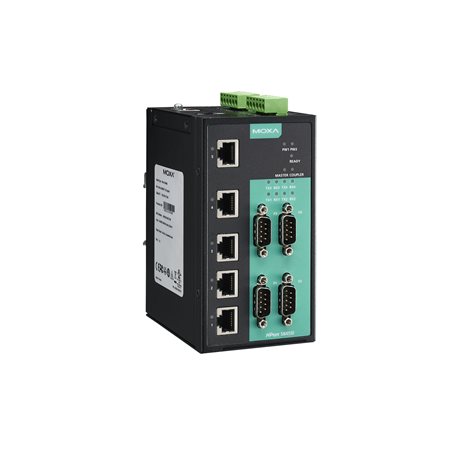
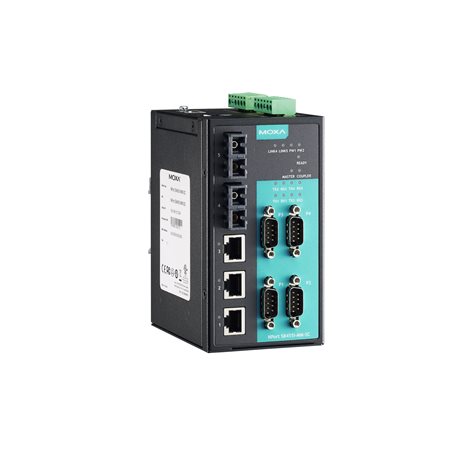
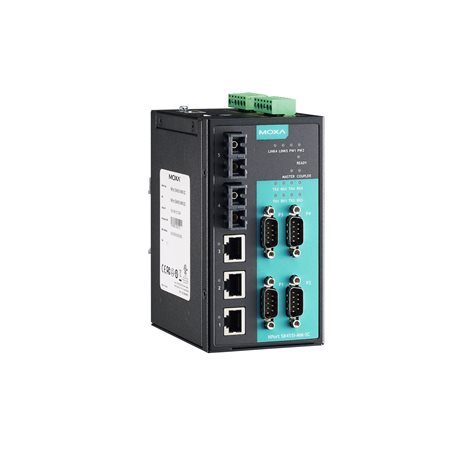
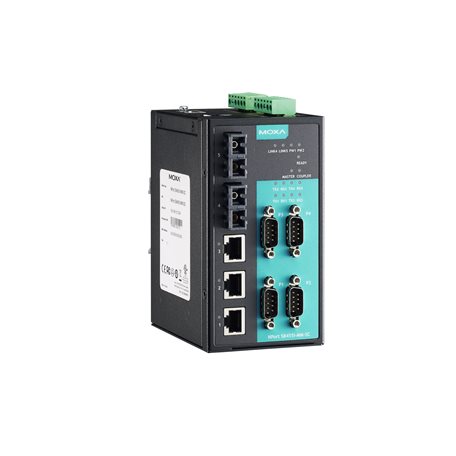
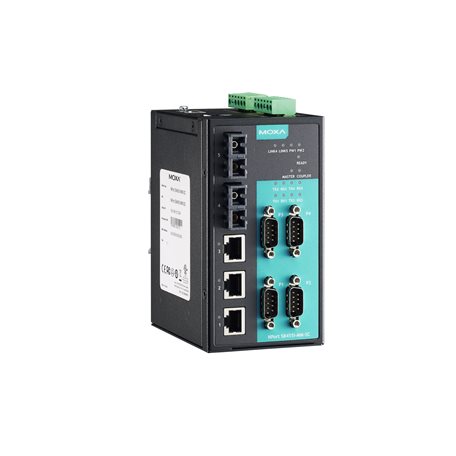
The NPort S8000 Series combines an industrial device server with a full-function managed Ethernet switch with 4 RS-232/422/485 serial ports, allowing you to easily install, manage, and maintain the product. Combining a device server and switch in one product allows you to save space in your cabinet, reduce overall power consumption, and reduce costs, since you will not need to purchase a switch and serial device server separately.
Supports the Full Range of NPort 5000 Series Device Server Functions
The NPort S8000 Series supports the complete array of NPort 5000 device server functions. You can network your existing serial devices by connecting up to 4 serial devices through Ethernet ports, with only basic configuration required. In addition, data transmission between the serial and Ethernet interfaces is bidirectional.
Full-function Managed Ethernet Switch
The NPort S8000 Series has a built-in full-function
managed Ethernet switch that supports QoS, IGMP-snooping/GMRP, VLAN,
Port Trunking, SNMPv1/v2c/v3, and IEEE 802.1X, allowing you to handle
virtually any kind of application. Ethernet redundancy, which is used
to increase the reliability and availability of your industrial Ethernet
network, is provided by Moxa’s Turbo Ring and Turbo Chain technology
(recovery time
Ring Redundancy at the Device Level
Device-level communication networks for industrial automation are very critical since they are used to control and monitor device processes. The reliability of these communications depends on ring redundancy at the device level, which is designed to provide fast network fault detection and reconfiguration in order to support the most demanding control applications. The NPort S8000 Series integrates a full function NPort device server with an industrial switch to carry serial and Ethernet devices at the same time.
In addition, the NPort S8000 Series can also achieve ring redundancy with standard STP/RSTP and Moxa’s proprietary Turbo Ring or Turbo Chain 2 redundancy protocols. This all-in-one design can be used to optimize and simplify your device network and enhance reliability.
Note: When connecting a single-mode fiber transceiver, we recommend using an attenuator to prevent damage caused by excessive optical power. Note: Compute the “typical distance” of a specific fiber transceiver as follows: Link budget (dB) > dispersion penalty (dB) + total link loss (dB).
Magnetic Isolation Protection
1.5 kV (built-in)
Standards
IEEE 802.1D-2004 for Spanning Tree Protocol IEEE 802.1p for Class of Service IEEE 802.1Q for VLAN Tagging IEEE 802.1w for Rapid Spanning Tree Protocol IEEE 802.1X for authentication IEEE 802.3 for 10BaseT IEEE 802.3ad for Port Trunk with LACP IEEE 802.3u for 100BaseT(X) and 100BaseFX IEEE 802.3x for flow control
IGMP Groups
256
Max. No. of VLANs
64
Priority Queues
4
VLAN ID Range
VID 1 to 4094
Configuration Options
Web Console (HTTP/HTTPS) Windows Utility Serial Console Telnet Console
Windows 11, 10, 8.1, 8, 7, Vista, XP, ME, 98 and 95 Windows Server 2022, 2019, 2016, 2012 R2, 2012, 2008 R2, 2008, 2003, 2000 and NT Windows Embedded CE 5.0 and 6.0, Windows XP Embedded
Linux Real TTY Drivers
Kernel versions: 6.x, 5.x, 4.x, 3.x, 2.6.x and 2.4.x
Fixed TTY Drivers
macOS versions: 14, 13, 12, 11 and 10.1x SCO UNIX, SCO OpenServer, UnixWare 7, QNX 4.25, QNX 6, Solaris 10, FreeBSD, AIX 5.x, HP-UX 11i, Mac OS X
Virtual Machine
VMWare ESXi (Windows 11 / 10) VMware Fusion (Windows on macOS 14, 13, 12, 11 and 10.1x) Parallels Desktop (Windows on macOS 14, 13, 12, 11 and 10.1x)
Arm®-based Platform Support
Windows 11 Linux Kernel 6.x, 5.x and 4.x macOS 14, 13, 12 and 11





.jpg)